EOW Dev Log #1: Circular Dependency Nightmare & Colocation Wins 🚀

This week, I faced circular dependency issues head-on while working on my bootstrapped real estate startup project.
A deep dive into feature colocation architecture revealed some unexpected blind spots.
Here’s how it went:
📂 What is Feature Colocation?
Feature colocation means grouping related files inside feature-specific folders rather than scattering them across different directories.
This keeps:
Business logic close to UI & API calls
Code more maintainable & scalable
After reading TkDodo’s article on Colocation (where he also referenced Kent C. Dodds’ take on colocation), I structured my project like this:
/features/property
  ├── server.ts
  ├── client.ts
  ├── consts.ts
  ├── model.ts
  ├── types.ts
  ├── components/
  ├── hooks/
All logic flows through these feature folders. Seemed perfect — until it wasn’t.
🛑 Preventing Circular Dependencies
To stay ahead of circular dependency issues from the start, I:
Set up import/no-cycle ESLint rules.
Installed madge to detect dependency loops.
However… neither of them warned me. Not even once.
🚨 The Issue Appears
Everything seemed fine — until I pushed to GitHub after working on multiple features. 🚀
The PR triggered a Vercel deployment…
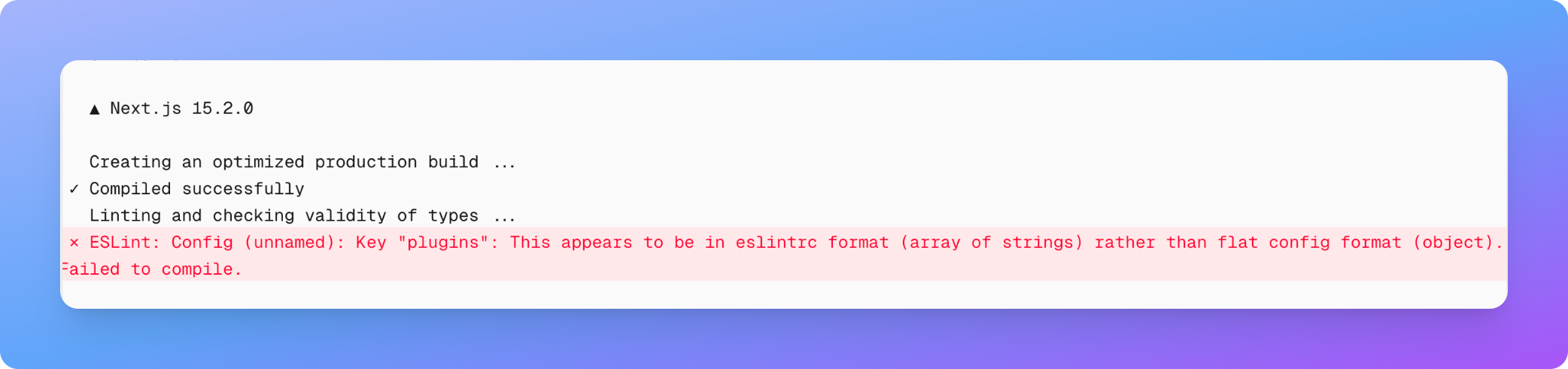
Boom 💥 A build error: Invalid ESLint rule.
Turns out, my ESLint plugins config was wrong (I used an array instead of an object). 😅
🔍 The Real Problem: Circular Dependencies
After fixing ESLint, I ran pnpm build locally… and guess what?
Over 100 files had circular dependency issues! 😵💫
I knew circular deps existed in theory but never had to deal with them at this scale (100+ files).
Below is what the circular dependency error looks like after running pnpm build:

🧐 What Caused It?
My feature assets — like consts.ts, types.ts, model.ts — were cross-importing each other, causing a loop.
Example:
// consts.ts
import { SomeType } from "./types";

// types.ts
import { SOME_CONST } from "./consts";

// model.ts
import { SomeType } from "./types";
import { SOME_CONST } from "./consts";
This caused a self-referencing loop, breaking the build.

🛠️ The Fix
I enforced a strict import hierarchy:
types.ts ➡️ consts.ts ➡️ model.ts

// ✅ Define types first; they should not import from consts (types.ts)
// ✅ Constants can import types but not models (consts.ts)
// ✅ Models can import both types and constants (model.ts)
🚫 No mutual imports!
💡 Extract mutual imports into a dedicated module to break cycles.
➡️ Clear, one-directional data flow.
After implementing the above fixes, the project finally builds successfully locally ✅
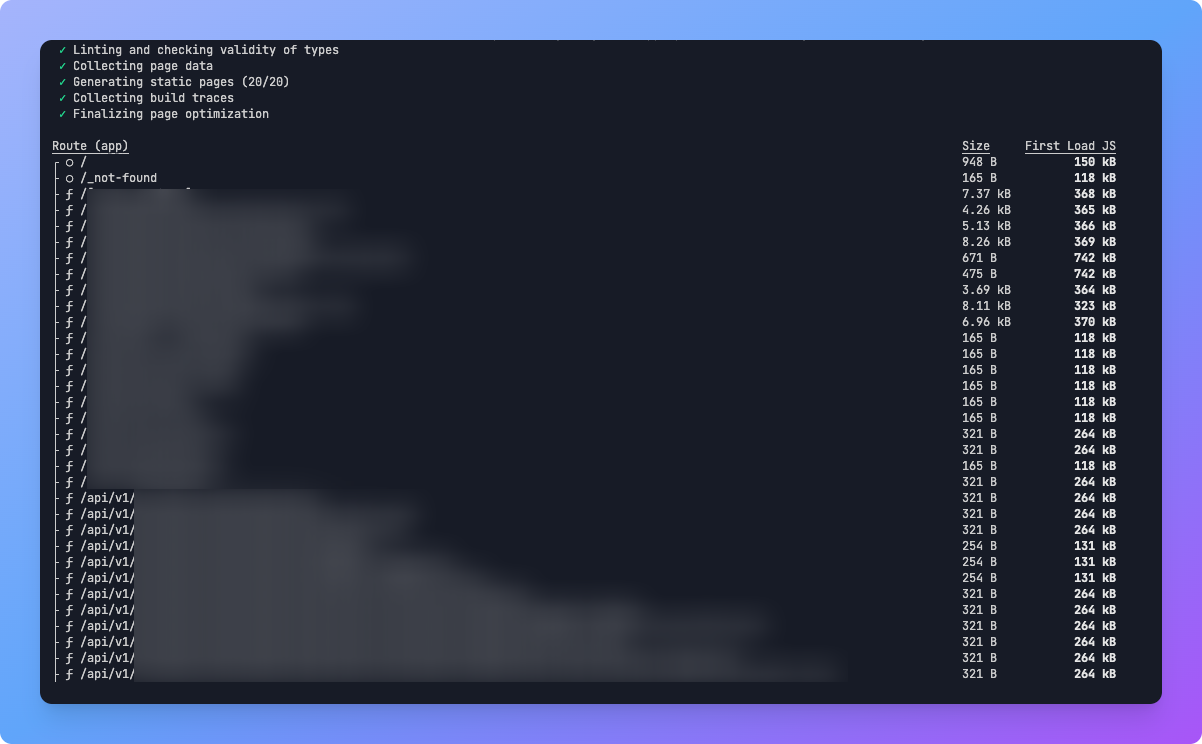
— And on Vercel
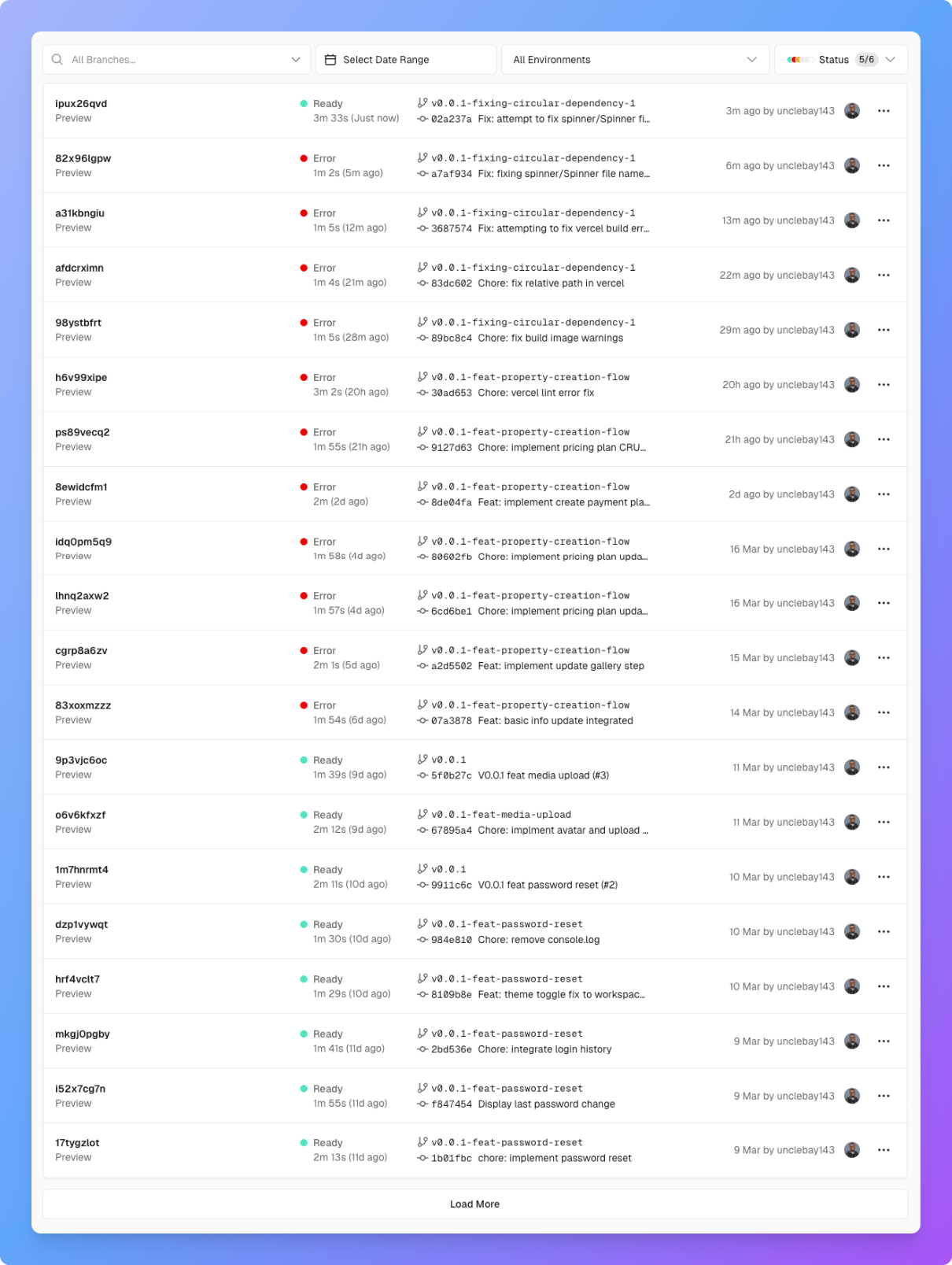
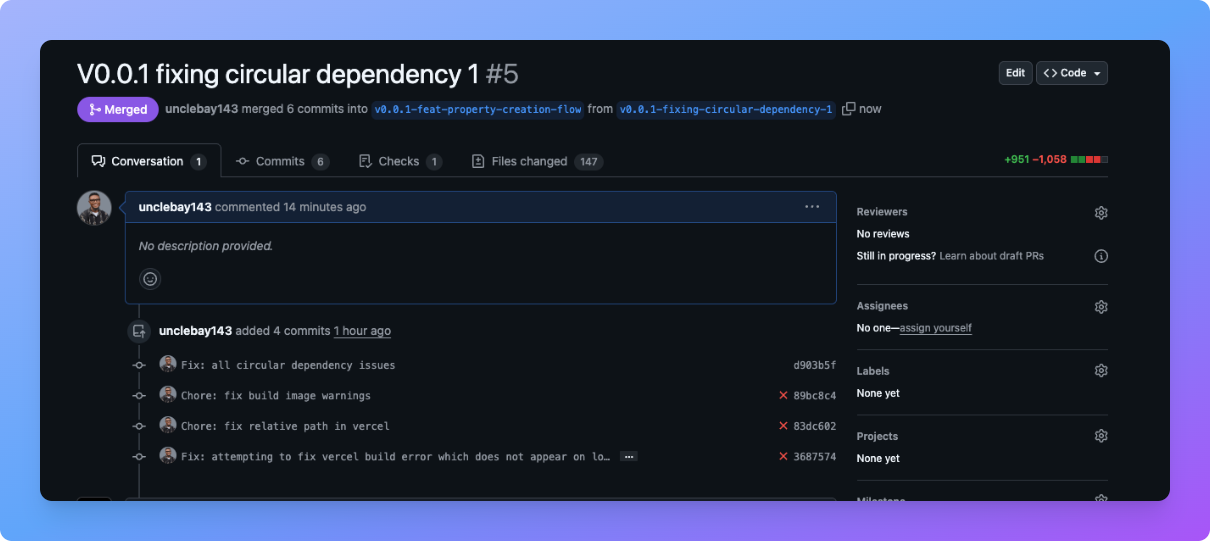
In total, I made changes to 147 files to resolve the circular dependency issue.
🎯 Lessons Learned
Feature colocation reduces mental load & makes refactoring easier.
Always validate ESLint rule configurations before trusting them
Prototype errors early to verify expected behavior.
Push more often — frequent commits & early deployments help catch issues sooner.
- Vercel catches what local dev setups might miss — deploy early to uncover hidden problems.
💡 Final Thoughts
Despite the struggles, colocation made my architecture cleaner & more scalable. I’d still choose it again for future projects.
Have you ever dealt with circular dependencies at scale? How did you fix them? 👀


