6 Tools to write an eye-catching article

Hello beautiful bloggers 👨💻, below I will be sharing the list of tools that I make use while writing an article.
1. Carbon
Link : carbon.now.sh
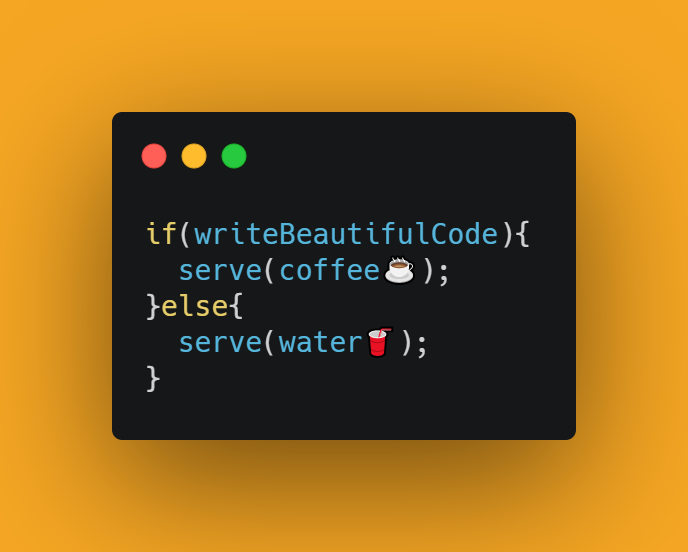
Most of the technical articles you will probably write will come with code fragments attached to them, and readers will not find it too easy and attractive to view codes as plain text, carbon allows us to make an image of our code snippets and can be downloaded as PNG or SVG for use as an attachment in our blog post.
2. Grammarly
Link: grammarly.com
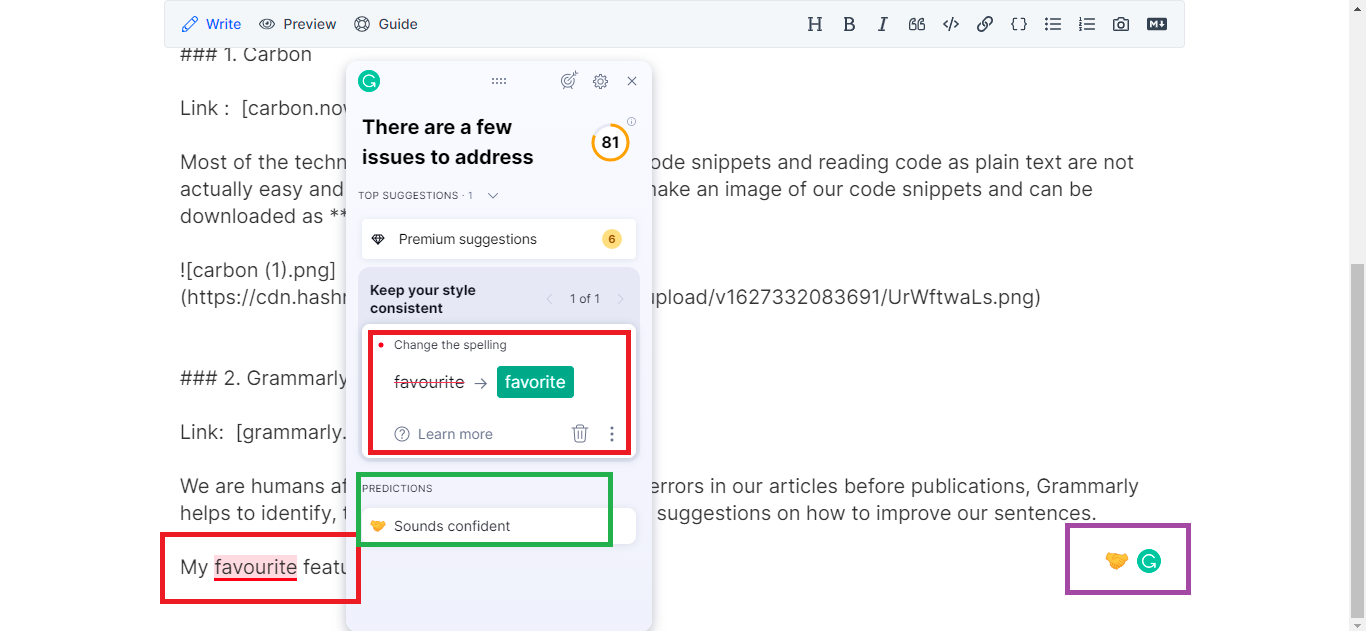
We are humans after all, which means we cannot notice all the errors in our articles before publications, but Grammarly can help identify typographical errors and provide suggestions on how to improve our sentences.
My favorite Grammarly feature is the emoji prediction, which shows how the whole article will sound to the readers, I found this to be useful as it helps to adjust and be within the desired prediction.
I am a big fan of emoji
3. BrowserFrame
Link: browserframe.com
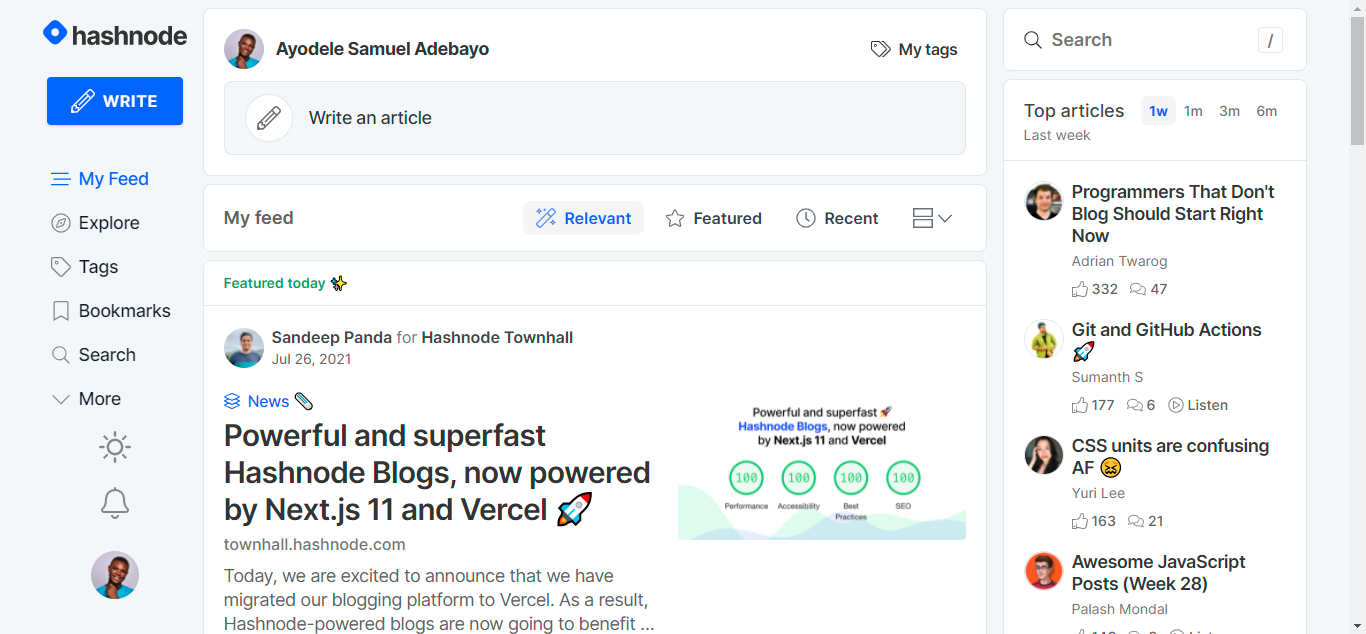
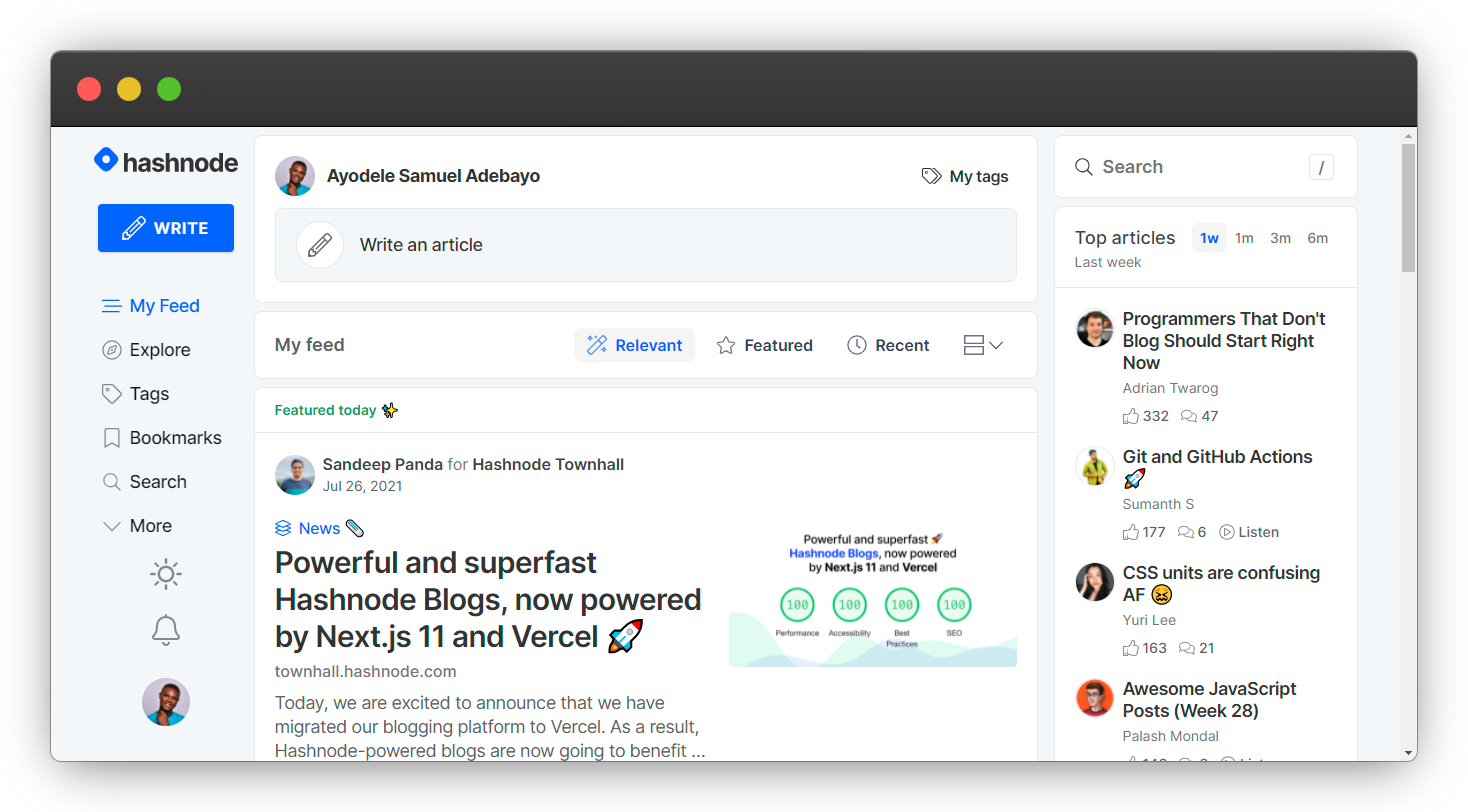
No doubts, images add to the beauty of an article when they are used properly, browser frames consist of both mobile and desktop browser frames to present the images better on articles.
Without browserframe.com
With browserframe.com
4. Ray
Link: ray.so
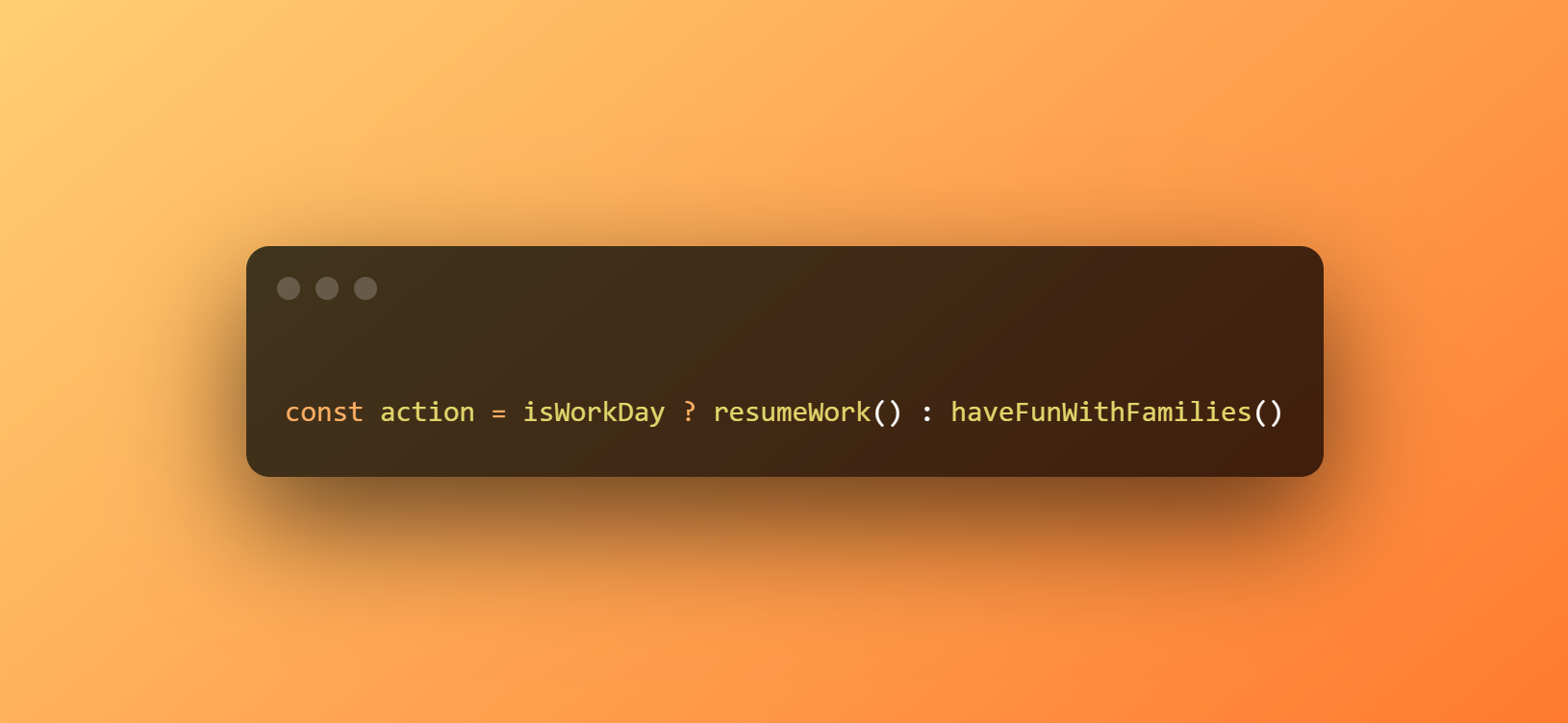
Ray is my second goto after carbon, ray features include, linear-gradient background for code snippets and also provide a share link for the generated images.
I found this to be really cool 😎
5. Canva
Link: www.canva.com
Most of my blog cover images are made using canva, canva has several free design templates for both presentation and article cover images.
6. Google Gifs
Link: google anything gif 😛

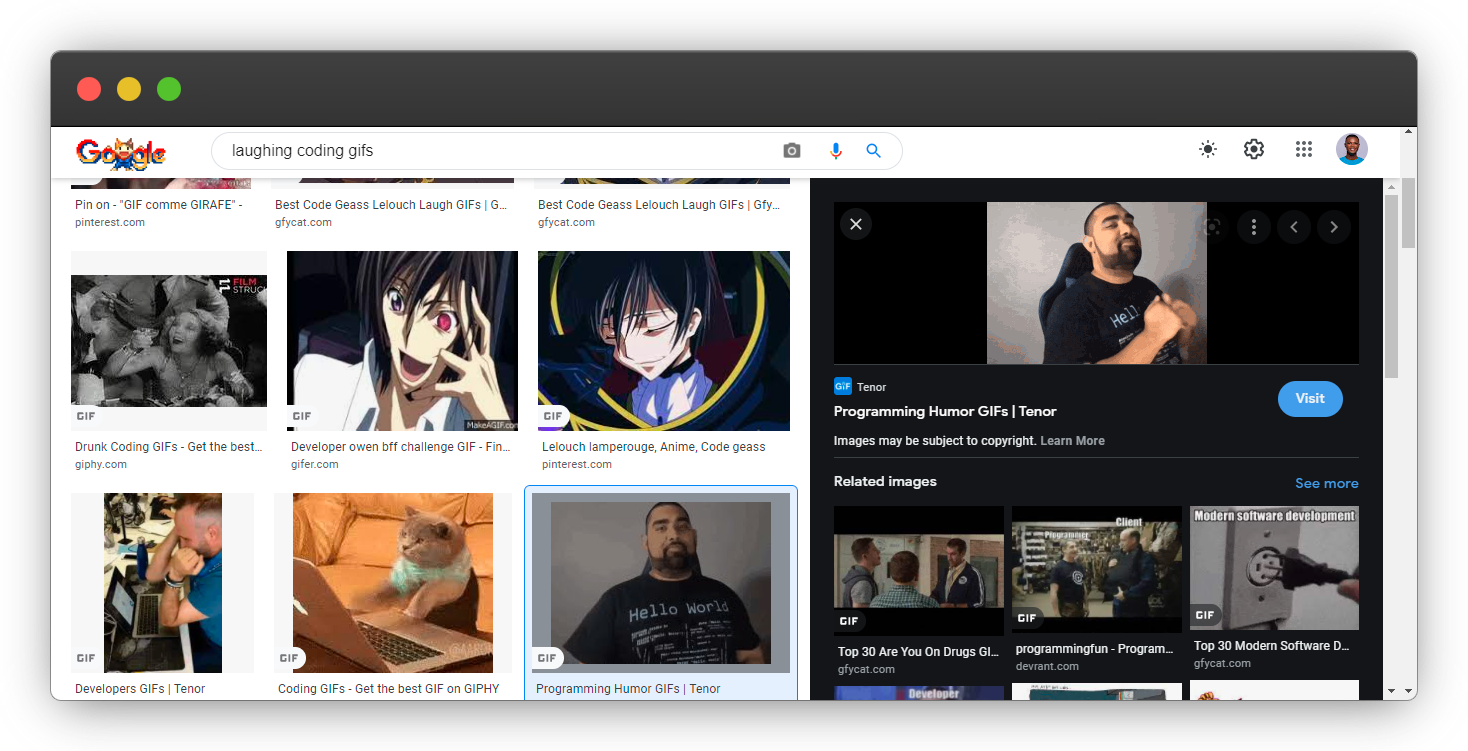
I personally enjoy adding gifs to my articles, I believe technical articles should not be boring.
I think you might want to add some to your next article😍, you can get your preferred gif by visiting google and searching say "laughing coding gifs"
Danny Thompson is also rocking some gif too🤩

And that's it for this article, I hope you have learned something new from this article, feel free to share your favorite tools in the comment section and which of the above tools is actually new to you.
Wow, what a journey, I am glad you made it to the end of this article, if you enjoyed and learned from this article, I will like to connect with you.
Let's connect on
My friend and I are holding a meetup every Saturday to discuss JavaScript and other programming tips and to support ourselves.
You can be a part 👇 of the community by visiting our website
See you in the next article. Bye Bye 🙋♂️

If you found this helpful and want to support my blog, you can also buy me a coffee below.


